Stop Losing Leads to the Void: My AI-Powered N8N Workflow
We’ve all been there. You spend weeks perfecting a landing page, the traffic finally starts trickling in, and someone actually fills out your form. Then... nothing. By the time you manually check your inbox and type out a reply, that lead has already found your competitor and moved on with their life.
I got tired of watching potential revenue slip through the cracks because I was too busy, well, actually working. I needed a way to automate the handshake without sounding like a soulless corporate chatbot from 2005. That’s why I built this automated lead capture system using N8N.
The 2 AM Problem with Manual Follow-Ups
Why do we suck at follow-ups? Usually, it's because we're human. We sleep, we eat, and we get hyper-focused on fixing that one bug that shouldn't even exist. But leads don't care about your sprint cycle; they want an answer now.
My goal was simple: capture the data, understand what the lead actually wants using AI, and hit them back across multiple channels before they even close their browser tab. If you aren't responding within five minutes, you're basically invisible.
How the N8N Workflow Handles the Heavy Lifting
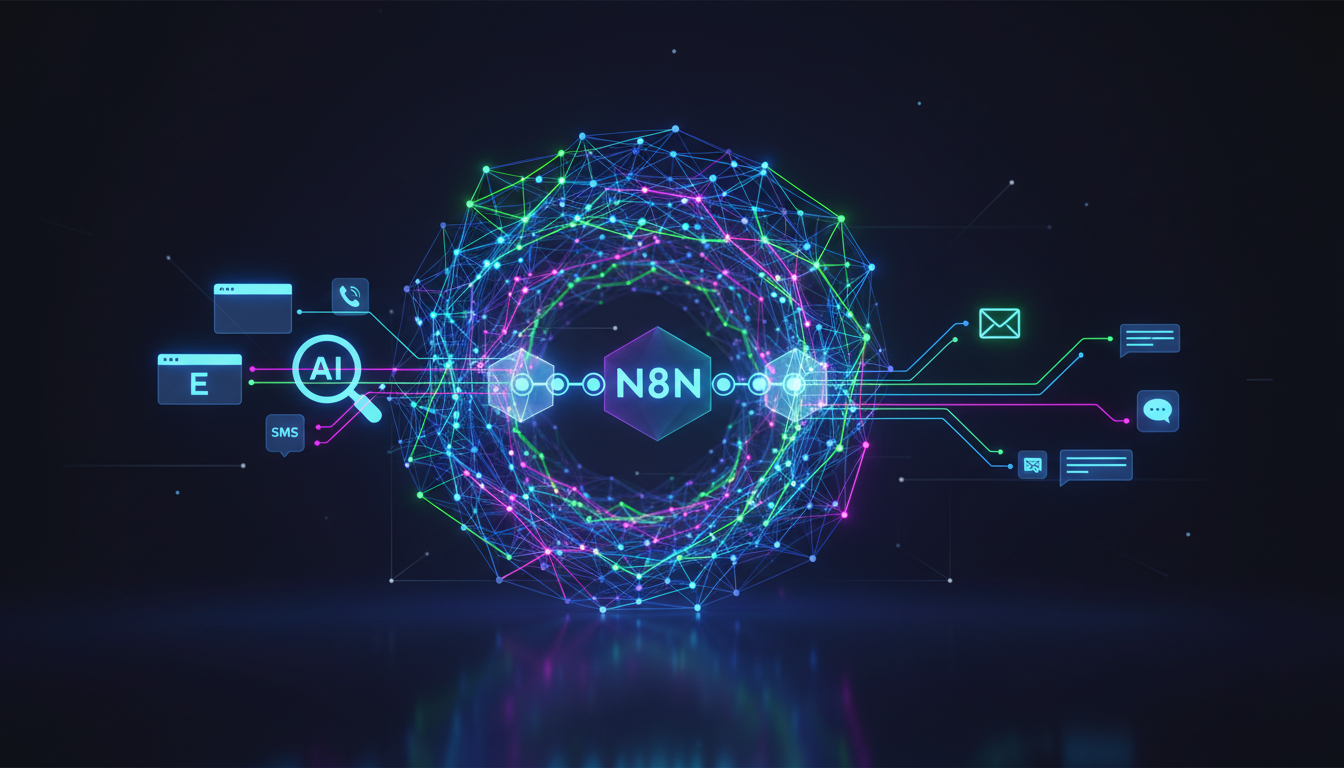
I chose N8N for this because its node-based approach is just more flexible than Zapier when things get complicated. I don't want to pay a premium every time a single branch executes. Here is the high-level breakdown of how the engine works:
Webhook Trigger: The moment a form is submitted (Typeform, Webflow, or even a custom HTML form), N8N catches the payload.
Data Enrichment: I use a quick Clearbit or FullContact API call to see who this person actually is beyond just an email address.
The AI "Brain" Node: This is where the magic happens. I pass the form data to an OpenAI node to categorize the lead's intent and draft a personalized response.
Conditional Routing: If it’s a high-value lead, I want an SMS sent immediately. If it’s just a general inquiry, an email suffices.
Personalization That Doesn't Feel Creepy
Ever get one of those automated emails that says "Hello [FIRST_NAME], I see you are interested in [PRODUCT]"? It's painful. To avoid this, I use the GPT-4o node in N8N to analyze the lead's message and write a response that actually references their specific pain points.
I’m not just sending a canned template; the AI suggests a couple of times for a call based on my Calendly availability and drafts a unique opening line. It feels human because the context is real. It's the difference between a cold robocall and a warm "Hey, I saw you were struggling with X, I can help."
Multi-Channel Follow-Up: SMS, Email, and Slack
Different people hang out in different places. My workflow doesn't just stick to one inbox. It executes a multi-channel sequence that looks something like this:
Instant Slack Notification: My team gets a ping with the lead’s details and the AI’s summary so we’re always in the loop.
The Email Strike: An automated, personalized email goes out via Postmark within 60 seconds.
The SMS Nudge: If they provided a phone number, Twilio sends a short text asking if they have any quick questions.
The "gotcha" moment for me was realizing that SMS has an insane open rate compared to email. Once I added the Twilio node to my N8N workflow, my conversion rates didn't just crawl up—they teleported.
The Result of All This Tinkering
Is it perfect? Nothing ever is. I’m constantly tweaking the AI prompts to make sure the "voice" stays consistent with my brand. But the peace of mind is worth the weekend I spent debugging JSON mapping errors and webhook headers.
Now, while I'm deep in a VS Code rabbit hole, my N8N bot is out there shaking hands and taking names. It's like having a sales assistant who never sleeps and doesn't complain about the coffee quality.
Are you still doing manual data entry for your leads, or have you finally surrendered to the automation gods? Let me know what your N8N stack looks like!