How I Discovered Malicious Code in My Next.js Project
I was having a perfectly normal Tuesday. My coffee was hot, my Spotify playlist was actually hitting, and I was just trying to fix a minor padding issue on a hero component. You know, the kind of "five-minute fix" that eventually takes two hours because CSS is a cruel mistress.
But as I was poking around my root directory, I noticed a tiny green dot in my VS Code sidebar next to postcss.config.mjs. I hadn't touched my PostCSS config in months. Why was there an uncommitted change?
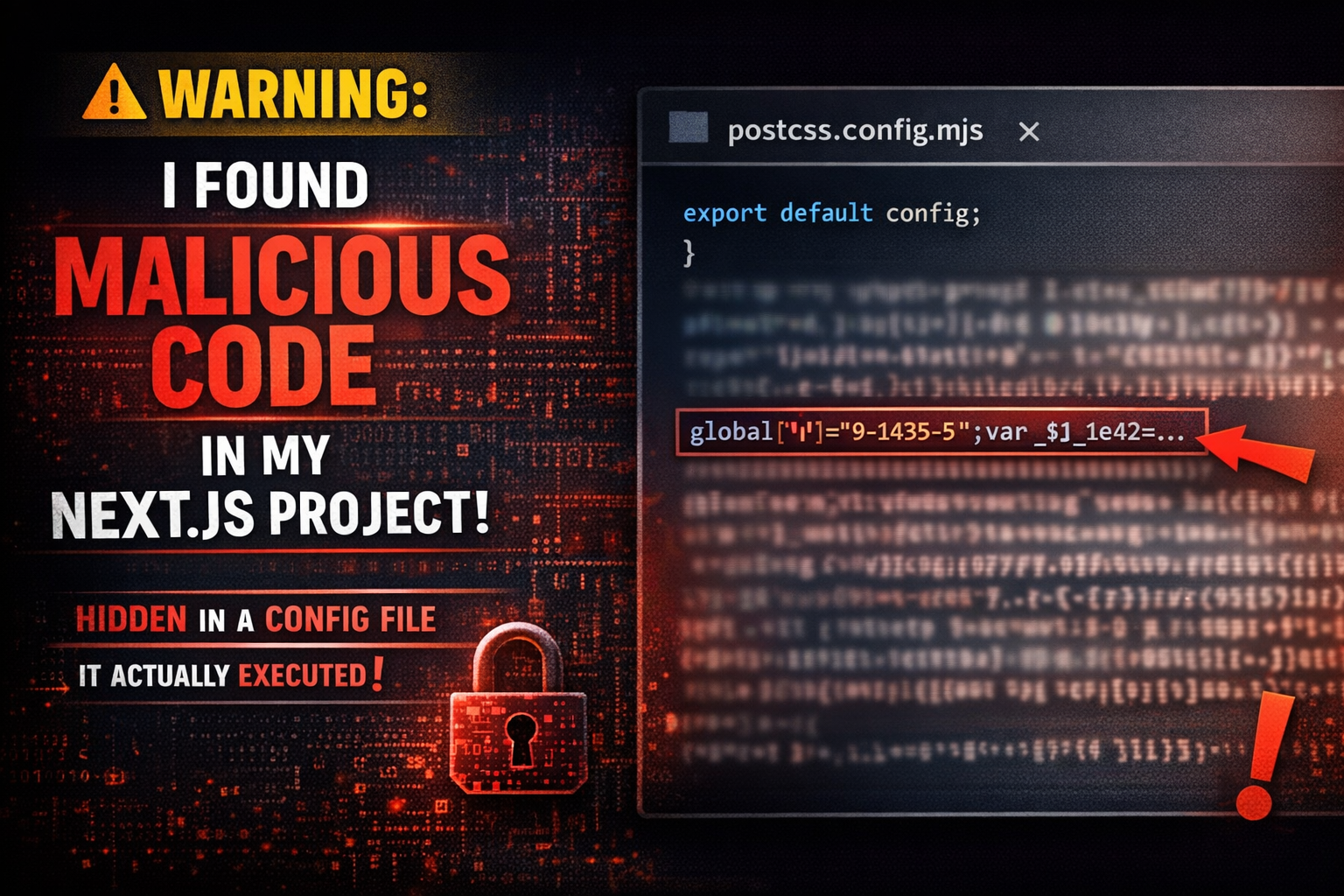
When I opened the file, I didn't see my usual three lines of boilerplate. Instead, I found a massive, ugly string of obfuscated hex code wrapped in a Buffer.from() call. My heart didn't just drop; it did a full Olympic-level nose dive.
The perfect hiding spot: postcss.config.mjs
Most of us treat configuration files like furniture. Once we set them up, we stop seeing them. We focus on our /components or /lib folders and assume the config files are just chilling out, doing their jobs. This is exactly what the attacker was banking on.
The malicious script was injected silently. It didn't break the build. It didn't throw any console errors. It just sat there, waiting for me to run npm run dev. Because Next.js executes that config file during the build process, the malicious payload had full access to my environment variables and local file system every time I started coding.
What the obfuscated code was actually doing
I spent the next hour de-obfuscating that mess. It wasn't pretty. Here’s what this "silent" little script was trying to accomplish behind my back:
Environment variable theft: It was scraping my
.env.localfor AWS keys, Stripe secrets, and database URLs.Data exfiltration: It used a simple
fetchrequest to POST that sensitive data to a random ngrok URL.Persistence: It attempted to add a small line to my
package.jsonscripts to ensure it stayed active even if I reverted the config file.
How did this even happen?
This wasn't a direct hack on my machine. It was a classic supply chain attack. One of the minor, deeply-nested dev dependencies I was using had been compromised. A "helpful" post-install script had reached out and modified my local config files while I was busy installing a library to help with some obscure SVG manipulation.
The commit that added it looked completely innocent. It was buried in a sea of "chore: update dependencies" changes. If I hadn't been paying close attention to my Git status, I would have pushed that malicious code straight to my production repo.
Don't let your dev environment become a playground
We often think security is something that happens "on the server." We forget that our local machines are incredibly high-value targets. If you’re a developer, your laptop is a goldmine of access tokens and source code. Here is how I'm changing my workflow to make sure this doesn't happen again:
Lock down your dependencies: Use
npm auditorsocket.devto scan for packages that have suspicious install scripts.Read your diffs: Seriously, don't just
git add .and hope for the best. Review every single line before you commit, especially in files you didn't think you changed.Use a clean slate: Periodically wipe your
node_modulesand reinstall from a lockfile. If a file gets modified by a rogue script, your version control should scream at you.Restrict .env access: If a tool doesn't need your production keys to run locally, don't give them to it. Use dummy data whenever possible.
Finding that code was a massive wake-up call. It’s easy to get lazy when we’re in the flow, but a few seconds of vigilance is way better than explaining to a client why their AWS credentials are currently for sale on a forum. It’s a wild world out there in the node_modules folder.
Have you ever caught something weird lurking in your config files, or do you usually just skip over the diffs for the "boring" stuff?